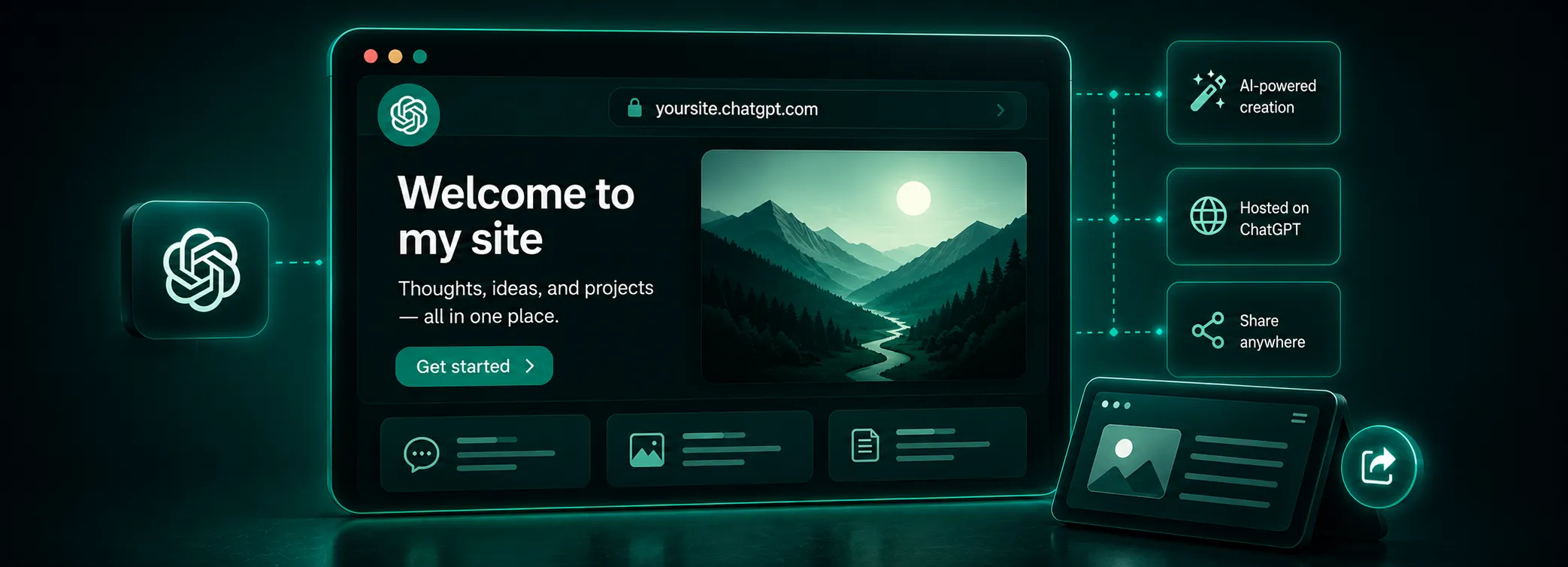
On 10 November 2026, OpenAI announced the beta of Businesses in ChatGPT. It's the first official way for companies to confirm their presence in ChatGPT, manage the information about themselves and see how often the AI assistant mentions them in conversations with users.
Until now, showing up in ChatGPT's answers was something you worked toward with GEO optimization and useful content. Now there's one more way to help it along: an official business profile, similar to Google Business Profile, that gives you more visibility in the search engine.
In this article we explain what the new feature includes, who can use it and how to publish your business details correctly.
What is Businesses in ChatGPT?
Businesses in ChatGPT is an OpenAI project that lets business owners manage information about their company. The platform gives you:
- Business Hub: the dashboard where an authorized representative of the business edits its details and sees aggregated statistics. You can open it from the standard ChatGPT menu or at chatgpt.com/business-hub.
- Business profile: the verified company information, including website, description, category, logo, and delivery and return policies. Online stores can also add a product feed with prices and stock levels.
- Business Agent: a way for users to chat with your business inside ChatGPT. It answers customer questions based on the information you've provided. Conversations with the agent are clearly labeled and kept separate from ChatGPT's independent answers.
For now, claiming a profile is free.
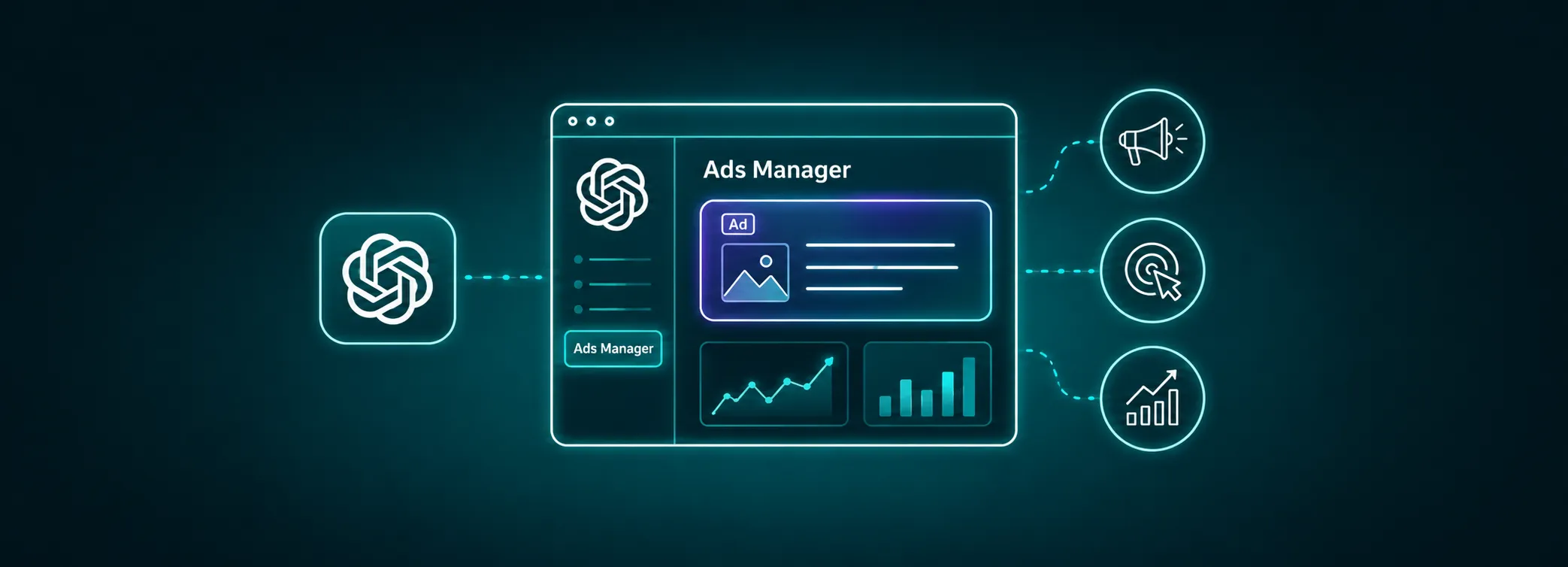
A quick clarification from the DGTalents team: Don't confuse three different products with almost identical names. Businesses in ChatGPT (Business Hub) is the free business profile. ChatGPT Business is the paid subscription for teams, and it has nothing to do with the profile. Sponsored Business Agents are created in ChatGPT Ads Manager as an ad destination, and their settings don't sync with the agent in Business Hub.
Can businesses in Bulgaria take advantage of it today?
We recommend taking the first steps today, even though not every feature mentioned here is available in the Bulgarian market yet.
- If you're a business with an online presence and a website, applications are open in all the major markets where ChatGPT is available.
- If you're a local business (a restaurant, salon, clinic or car repair shop), you can't claim your profile yet. Recent tests in Europe show that local businesses are still on the waiting list for business profiles in ChatGPT.
- Business Agents are currently only available to online stores in the US, but we expect them to arrive in Europe very soon.
An important note from our team: We're writing this article just hours after OpenAI announced Businesses in ChatGPT. Some of these limitations are likely to disappear quickly, and many of the features mentioned may already be available in more countries, markets and business categories.
How to verify your business in Businesses in ChatGPT, step by step
- Sign in to ChatGPT and open Business Hub. Use the account you'll manage the business with. We recommend a company account rather than an employee's personal ChatGPT profile.
- Search for your business by name. Pick the name from the list that matches your company. If it isn't there, choose how customers usually work with you (for example, as an online store) and create a new profile.
- Confirm your connection to the business. Your options are an SMS code or a call to your business phone, your business email, a DNS TXT record on your domain or connecting your Shopify store. Business Hub only shows the methods that apply to your business.
- Wait for OpenAI's decision. Your request gets reviewed and the answer arrives by email. A pending request isn't an approved profile yet, and review times can vary.
- Complete identity verification with Persona. Without it you can't publish changes, connect a product feed, see your statistics or create a Business Agent. You may be asked for an ID document, your company registration details and proof that you're allowed to represent the company. The blue check mark appears once your Persona verification is approved.
- Fill in your profile: website, description, category, logo, and delivery and return policies. Online stores can connect a product feed with prices and stock levels. Changes are also reviewed before they go live.
- Give your team or agency access to the profile. The admin who claimed the business can add colleagues or a marketing agency, each with their own ChatGPT account.
An important note from DGTalents: During Persona verification, names, addresses and registration or tax numbers have to match the official registers. For Bulgarian companies, this means your details must be identical to what's listed in the Commercial Register: company name, UIC (EIK), VAT number and registered address. A mismatch such as "ЕООД" versus "EOOD", or an old address, can lead to a rejection.
Useful verification tips
- The DNS method works best for WooCommerce and custom websites. Users in the OpenAI community report that the verification window is about 30 minutes. Lower your domain's TTL in advance to speed up the process.
- Shopify stores have an advantage. The ChatGPT Business app for Shopify verifies your business automatically through your store.
- Get your documents ready in advance: a certificate of good standing, the representative's ID card and proof that they're authorized to represent the company.
- Check everything again before you publish. Once your profile is published, OpenAI can't hide or delete it. Each brand and each location has to be claimed separately.
What do the Business Hub statistics show?
The Insights dashboard covers the last 28 days and shows aggregated data:
- Mentions: for online businesses, only the times ChatGPT cites your website are counted. Your brand name appearing in answers on its own doesn't count.
- Website clicks: traffic to your website. OpenAI warns that these don't confirm actual visits or conversions.
- Discovery topics: the topics your business was found for, summarized from the conversations where you were mentioned, without users' specific questions.
Businesses can't see individual conversations, including chats with their own agent. An empty field doesn't mean zero conversations. The activity may be below the reporting threshold, or the data may still be coming in.
A comment from our team: We advise our clients to keep an eye on the data from their ChatGPT business profile and compare it with chatgpt.com sessions in Google Analytics 4. That way you'll see the real trend, not just a snapshot of the traffic and activity on your site.
Will ChatGPT recommend you more often once you claim your profile?
OpenAI explicitly notes that claiming a profile doesn't guarantee more mentions, traffic or sales. Ads don't influence ChatGPT's independent answers either, and the assistant keeps using other sources of information about your business.
This means the profile is an important foundation, but it doesn't replace GEO optimization. ChatGPT still builds its answers from what it reads online: your website, reviews, media coverage and directories.
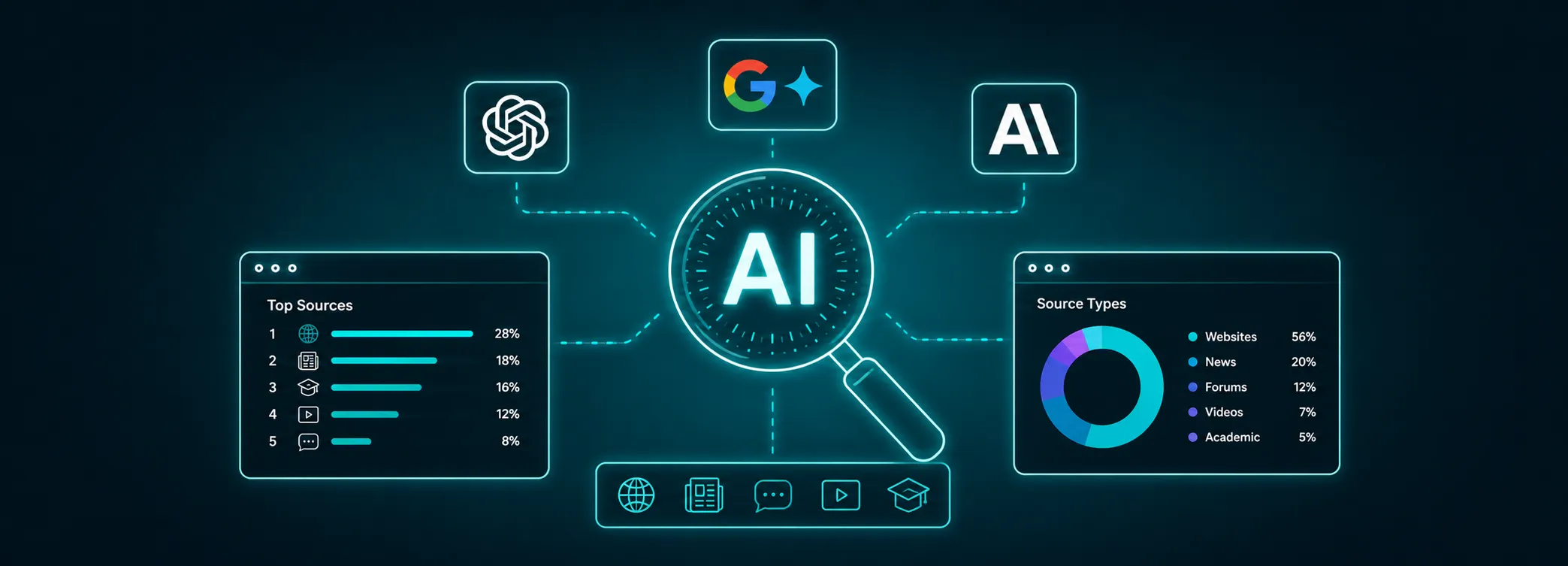
See also: Latest data: What ChatGPT, Gemini and Claude read to answer user questions
Business profiles in ChatGPT are another step toward an online experience where customers discover companies, products and services through conversation.
Brands that get their data ready now will be prepared when OpenAI expands access to local businesses and Business Agents in Europe.
If you'd like help claiming your profile, getting through verification or building a complete strategy for visibility in ChatGPT, take a look at our ChatGPT advertising service or get in touch with the DGTalents team today.